When it comes to relocation, most people focus on the kitchen and the bedrooms — but knowing how to properly move a home office can save you serious time, money, and frustration. Home offices have become one of the most complex rooms to pack and transport. Between desktop computers, monitors, tangled cables, delicate peripherals, and irreplaceable documents, a careless approach can mean damaged equipment or days of lost productivity after you arrive at your new home.
Whether you work remotely full-time or just use a dedicated space for managing household tasks, this guide walks you through every step of packing and moving a home office the right way. And if you would rather leave the heavy lifting to the professionals, call Wise Guys Moving at (334) 610-1593 or get a free moving quote today.
A home office is unlike any other room in the house. The furniture may be large and awkward — think L-shaped desks, heavy filing cabinets, and ergonomic chairs — but the real challenge lies in the electronics and data.
A cracked monitor or a hard drive damaged by a bump in transit is not just an inconvenience; it can represent hundreds or even thousands of dollars in losses and weeks of downtime. Unlike packing kitchenware or clothing, home office items often require specialized packing materials, a deliberate labeling system, and a clear plan for how everything gets set back up at the destination.
Starting your home office move with a plan — rather than grabbing whatever box is nearest — is the single most important decision you can make.
Before you touch a single cable or disassemble your desk, back up all of your digital files. This step is non-negotiable and should happen days — ideally weeks — before moving day.
Rely on at least two forms of backup so that a single point of failure cannot cost you your data. Cloud storage services like Google Drive, Dropbox, or iCloud are an easy first layer. An external hard drive kept separate from your computer during the move adds a second layer of protection. If you manage sensitive client files or business records, consider an encrypted backup drive stored in your personal vehicle rather than the moving truck.
Take photos of every workstation before you unplug anything. Photograph the back of your computer tower or laptop dock, your monitor connections, your router and modem setup, and any multi-device charging stations. These photos are worth far more than any color-coded cable sticker system when you are trying to reassemble at midnight in a new home.
Electronics are the most valuable and the most fragile items in your home office. Packing them correctly is not difficult, but it does require the right materials and a little patience.
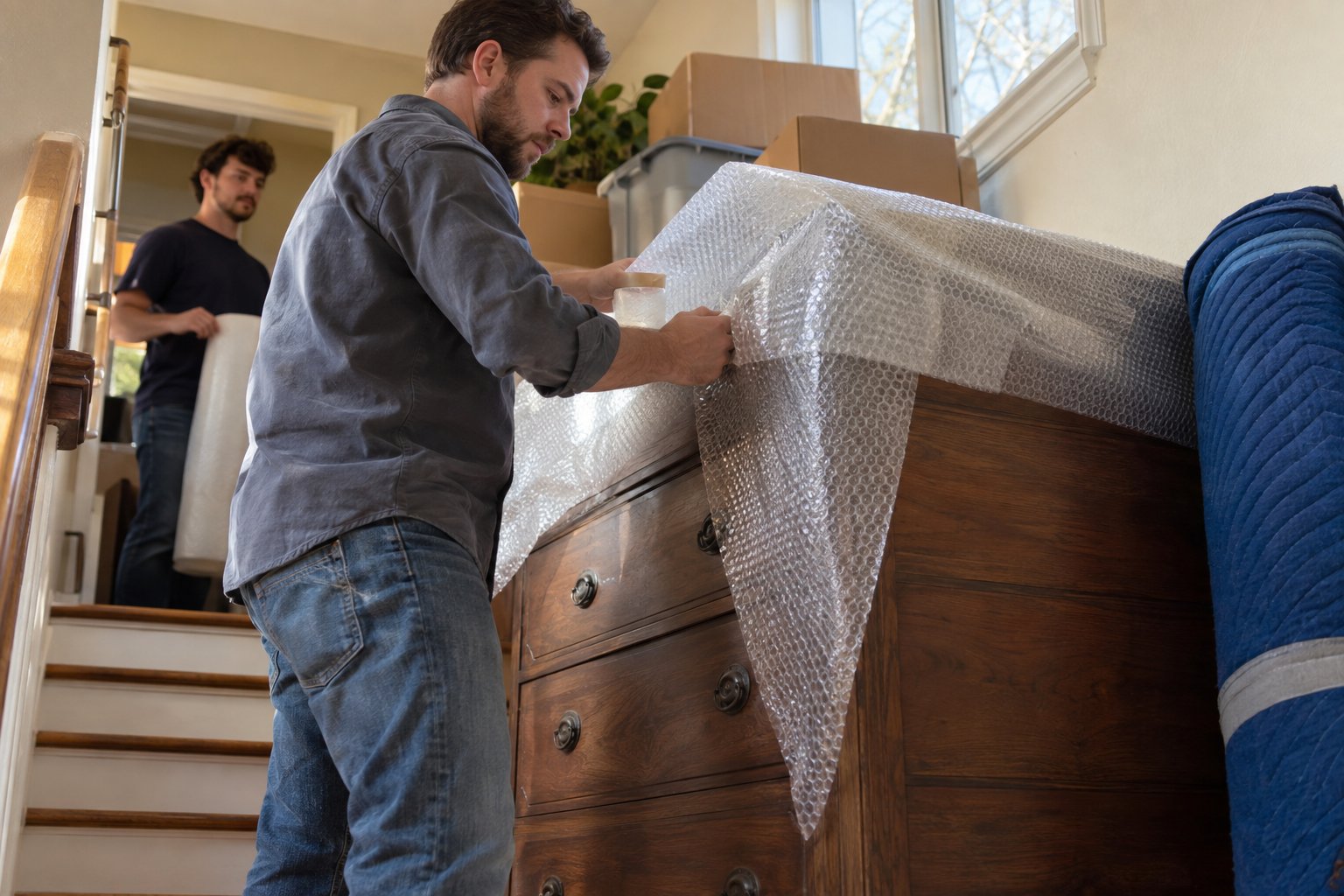
If you kept the original boxes for your monitor, computer, or printer, now is the time they earn their keep. Original packaging is designed specifically to cradle those devices through exactly the kind of jostling that happens during a move. If you no longer have original boxes, use double-walled boxes sized appropriately for each item, and fill all empty space with packing paper or bubble wrap — never crumpled newspaper, which can leave ink on sensitive surfaces.
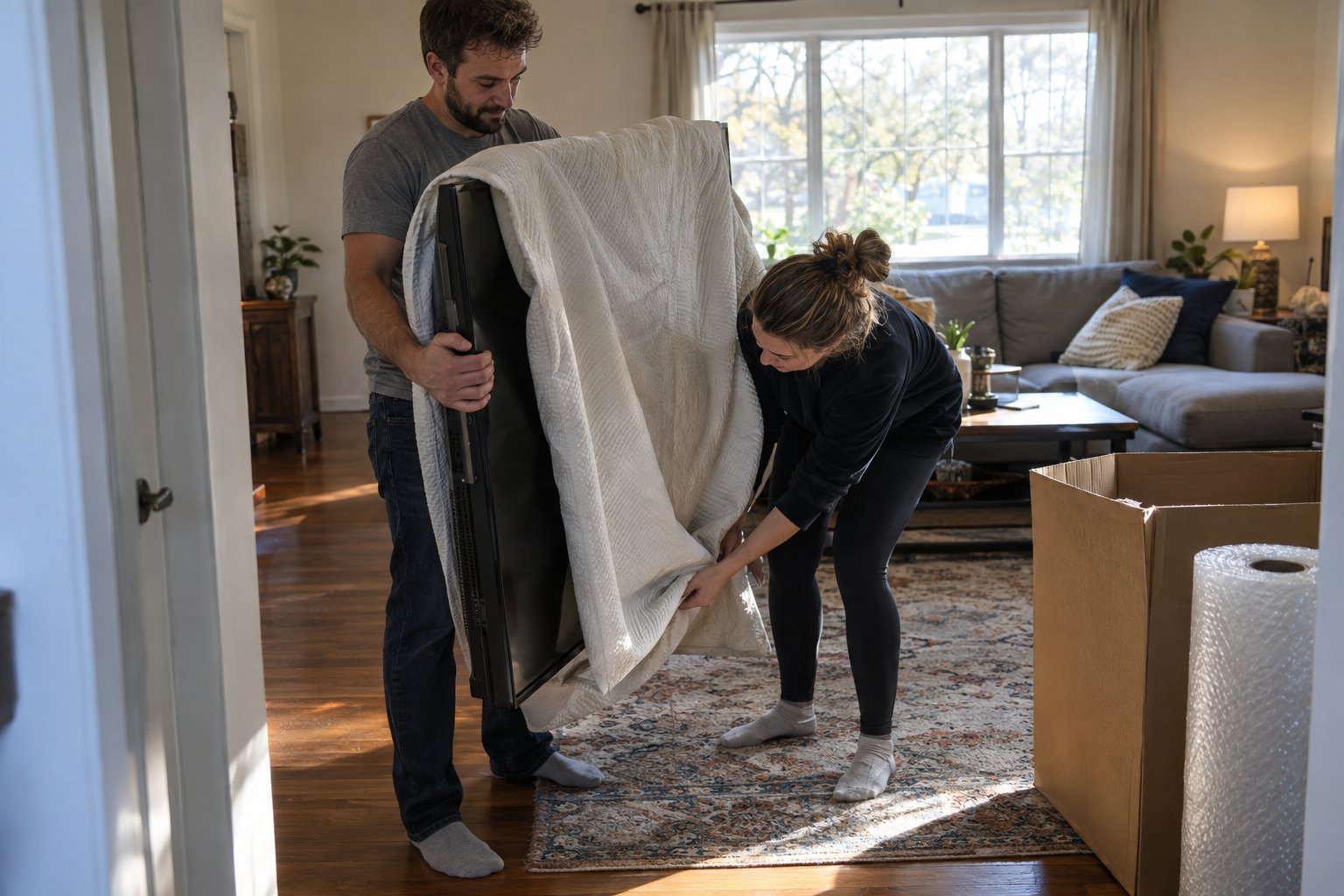
Lay a monitor face-down on a clean, flat layer of bubble wrap and roll it gently before boxing. Mark the box clearly with "FRAGILE — THIS SIDE UP" and make sure it is not stacked beneath heavier items in the truck. Even a monitor that looks undamaged after a move may have a hairline fracture that shows up within days of use.
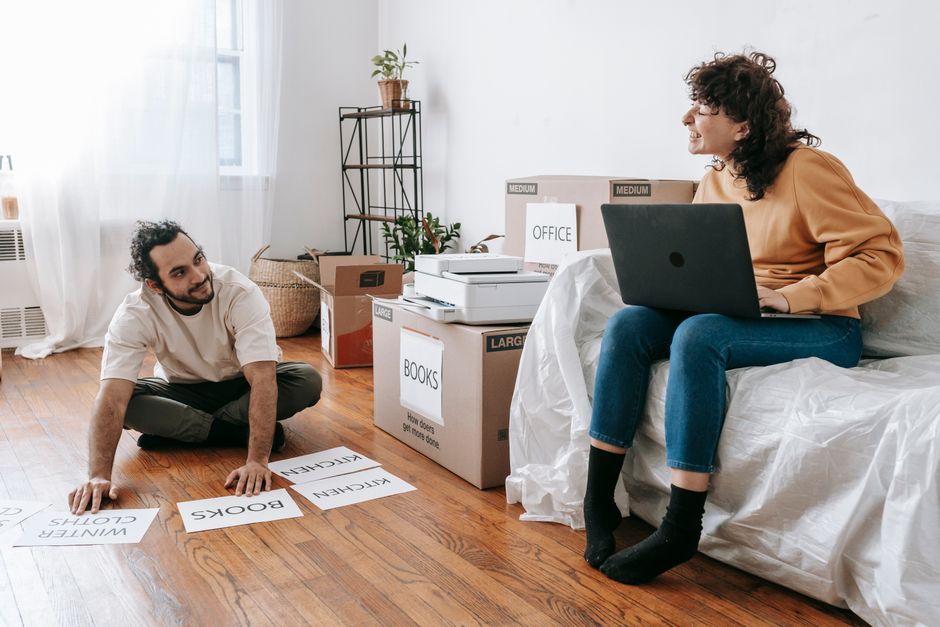
Cables are the silent nightmare of every home office move. Before you unplug anything, label both ends of every cable with a small piece of masking tape and a marker. Use zip ties or velcro straps to bundle cables belonging to the same device together. Store all cables in a single clearly labeled bag or box so that nothing ends up scattered across a dozen different cartons.
Your laptop, external hard drives, and any other data-storage devices should travel with you in your personal vehicle — not in the moving truck. These items are both highly valuable and especially sensitive to temperature changes and physical shock. Keeping them with you also means you have immediate access to your files if anything goes wrong with the truck's arrival timing.
Once your electronics are handled, the focus shifts to furniture and the stationery, supplies, and documents that fill your drawers and shelves.
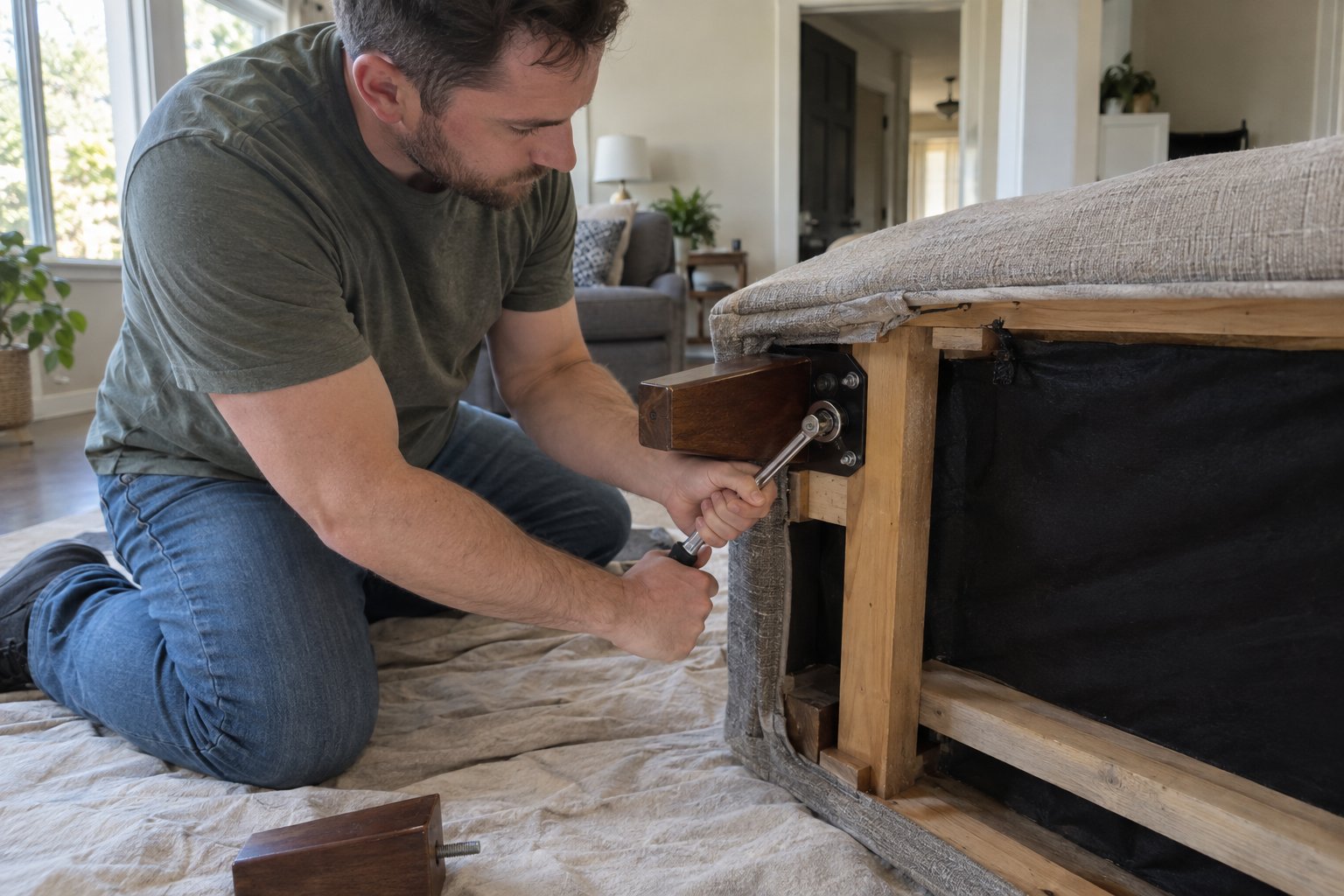
Most modern desks — especially L-shaped or corner configurations — are far easier to move when disassembled. Remove legs, detach any hutch sections, and keep all hardware (bolts, screws, cam locks) in a labeled zip-lock bag taped directly to the largest piece of furniture it belongs to. This prevents the maddening experience of hunting for a single hex bolt when you are trying to reassemble on the other end.
Filing cabinets can be moved with documents inside if the cabinet is a lateral style and the drawers lock securely. Vertical cabinets should be emptied before moving — a full vertical filing cabinet is both a back injury risk and a tipping hazard. For documents that are truly irreplaceable (birth certificates, property deeds, tax records), transport them in a fireproof document bag in your personal vehicle rather than the moving truck.
Use small, sturdy boxes for books and heavy binders — overpacking a large box with books is one of the fastest ways to end up with a broken box and a scattered floor. Office supplies like pens, staplers, and paper clips pack well in medium boxes, ideally in the same drawer organizers they already live in. Wrap any decorative items individually in packing paper.
A successful home office move is not just about packing — it is also about having a clear plan for Day One in your new space.
If you work remotely and need to be productive quickly after moving, communicate to your movers that your home office should be one of the first rooms unloaded and positioned. Getting your desk, chair, and computer set up before tackling bedroom furniture means you can be functional within hours rather than days.
Before you break down a single empty box from the office, plug in each device and confirm it powers on correctly. Check your monitors for dead pixels or display issues. Confirm your internet connection is live and all peripherals are responding. Catching a problem on moving day — while movers are still on-site and everything is still accessible — is far easier than discovering an issue a week later.
Once everything is confirmed working, resist the urge to leave cables in a jumble on the floor. A few extra minutes with cable clips, velcro straps, and a cable management tray will make your new office feel professional, comfortable, and easy to maintain from day one.
Packing and moving a home office involves more moving parts than almost any other room in the house — but with the right preparation, it does not have to be stressful. From backing up your data to labeling every cable and safely disassembling your desk, a methodical approach makes all the difference.
If you are planning a move in or around Auburn, Alabama and want professionals who treat your equipment with the same care you do, Wise Guys Moving is ready to help. We offer long-distance moving services as well as local moves, and our team has the experience to handle your most valuable and fragile items with confidence. Call us at (334) 610-1593 or get your free quote today.

First, back up all data to a cloud service or external hard drive. Then photograph the back panel connections before unplugging anything. Remove the hard drives and transport them in your personal vehicle if possible. Pack the tower in its original box if available, or in a snug double-walled box with bubble wrap on all sides. Label the box 'FRAGILE' and keep it upright in the truck.
It depends on the cabinet style. Lateral filing cabinets with locking drawers can generally be moved with files inside. Vertical filing cabinets should be emptied first, as the weight distribution makes them a tipping and injury hazard when full. For irreplaceable documents, always transport them in your personal vehicle rather than the moving truck.
Before unplugging anything, label both ends of every cable with masking tape and a marker. Take photos of each workstation setup from multiple angles. Bundle cables by device using velcro straps or zip ties and store all of them together in a clearly labeled bag or box. This makes reassembly far faster and less frustrating at your new home.