When people draw up a room-by-room moving plan, the home office often gets the least attention — but knowing how to pack and move a home office the right way can prevent data loss, expensive equipment damage, and the kind of chaotic first week at a new address that kills productivity. The home office is deceptively complex: it combines fragile electronics, a tangle of cables and peripherals, sensitive documents, and furniture that is simultaneously heavy and awkward. Get it wrong, and you may spend your first week in a new home hunting for a missing hard drive or waiting on a replacement monitor.
Whether you are relocating across Auburn or moving to an entirely new city, this guide walks you through every step of packing and moving your home office safely and efficiently. When you are ready to leave the hard work to the professionals, call Wise Guys Moving at (334) 610-1593 or get a free moving quote today.
The home office presents a category of moving challenges that are entirely different from any other room in the house. Unlike the kitchen — where the primary concern is fragile dishware and perishables — or the bedroom — where bulk and personal sentiment dominate — the home office combines high-value electronics, irreplaceable data, sensitive paperwork, and ergonomic furniture into one surprisingly dense space.
Think about what a typical home office actually contains: a desktop computer or multiple monitors, a laptop, external hard drives, a printer or scanner, a router, docking stations, webcams, headsets, surge protectors, power strips, stacks of cables, important documents and tax records, bookshelves, a desk, and an office chair. Each of these categories carries its own risk profile. A single dropped hard drive can mean lost files. A monitor screen cracked under box pressure costs hundreds to replace. Documents scattered across an unmarked box become a nightmare during tax season.
Rushing through home office packing almost always produces at least one costly outcome. A deliberate, category-by-category plan eliminates that risk entirely. Plan to begin packing your home office at least one week before moving day — two weeks if you rely on it for remote work and need to maintain functionality right up until the final day.
Before any packing begins, protect what cannot be replaced: your data. Hard drives can fail during moves even when packed carefully. An unexpected jolt, pressure from a heavy box stacked on top, or simply the general vibration of a long drive can all affect spinning hard drives. Solid-state drives are more resilient, but no drive is immune to physical damage.
Back up every computer, external drive, and NAS device before you touch a single cable. Use a combination of local backup (an external drive kept separate from the computer during transport) and cloud backup if your files and connection speed allow it. For irreplaceable files — financial records, contracts, client work, creative projects — consider backing up to two separate locations. This step takes a few hours at most and provides insurance against a scenario that would otherwise take weeks to recover from.
Before you disconnect anything, take detailed photos of the back of your computer tower, your monitor cable routing, your desk setup, and any multi-device configurations. These photos are worth far more than any cable diagram you might try to recreate from memory. When you arrive at your new home and need to get back to work quickly, those images will save you significant time and frustration.
Cables are one of the top sources of post-move frustration. A single home office can easily contain 20 to 40 cables of varying types, lengths, and purposes. Packed together in a box without labeling, they become a nearly impossible puzzle at the other end.
Disconnect cables one device at a time. As you unplug each cable from a device, label it immediately with a small piece of masking tape or a cable tag. Write the device name and the port it connects to — for example, "Monitor 1 — HDMI" or "Desk lamp — power strip slot 3." Pack all cables for a given device together in a labeled zip-lock bag, and keep that bag with the device itself when possible.
Coil cables loosely in a figure-eight pattern rather than wrapping them tightly around your hand, which stresses the internal wiring. Secure each coil with a velcro cable tie or a loose rubber band. Never use tight zip ties on cables you intend to keep long-term, as they can damage the outer jacket over time.
Electronics are the most financially valuable and damage-sensitive category in the home office. Packing them correctly requires specific materials and a clear approach.
The ideal container for a desktop tower is its original box with original foam inserts. If you no longer have the original packaging, use a box that provides at least two inches of clearance on all sides, and fill that space with anti-static packing foam or foam peanuts — never crumpled newspaper, which does not provide adequate shock absorption for electronics. Keep the tower upright during transport; laying it on its side for an extended period can stress internal components.
For laptops, wrap the device in a soft cloth or bubble wrap, then place it in a padded sleeve or a dedicated laptop bag. Never pack a laptop loose inside a box with heavier items stacked on top of it.
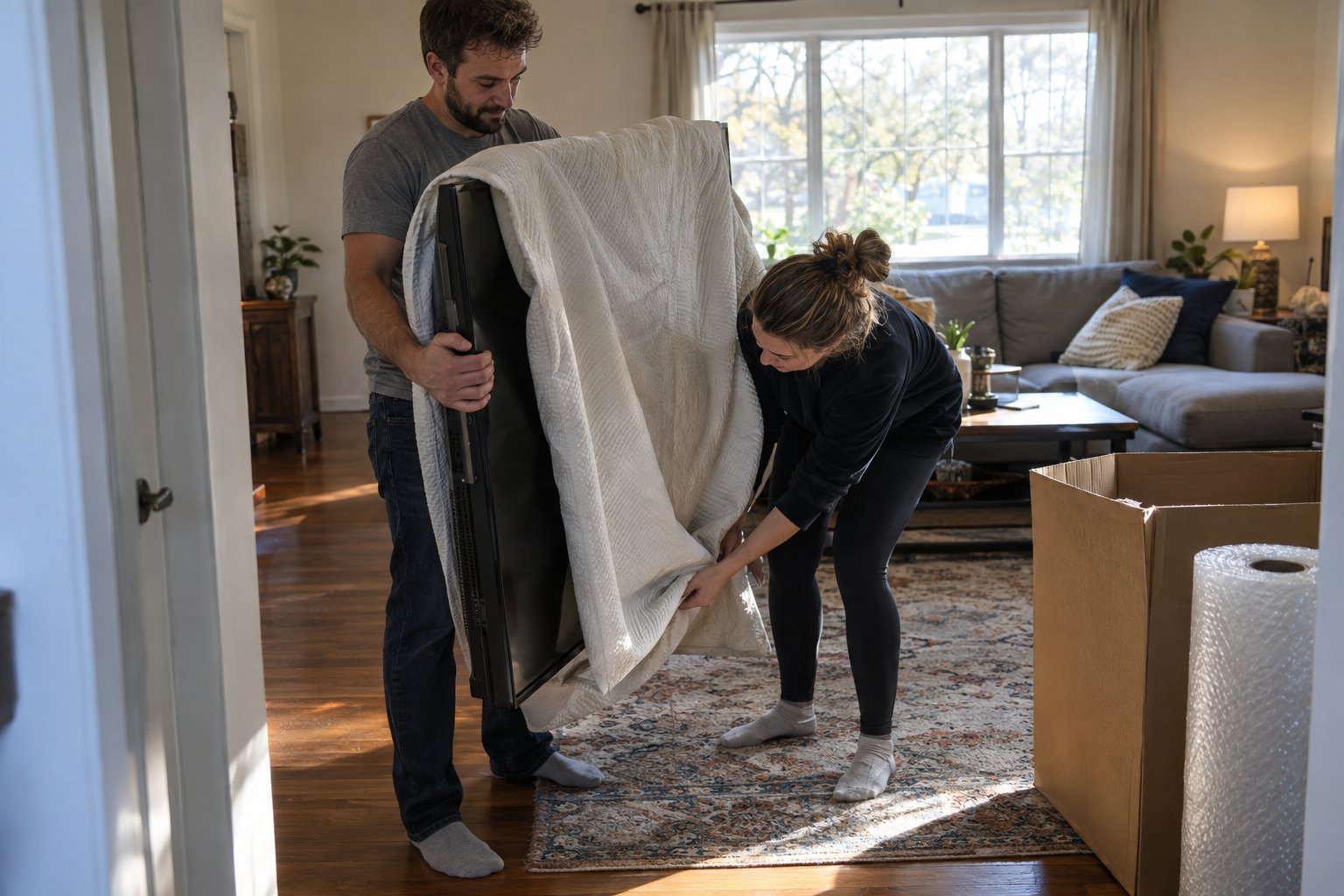
Monitors are among the most commonly damaged items in a home office move. Original boxes are by far the safest option. Without them, wrap each monitor screen in several layers of bubble wrap, paying extra attention to the corners, then place the monitor upright — never flat — in a box sized to hold it snugly. Fill any gaps with packing paper or foam to prevent the monitor from shifting. Mark every side of the box with FRAGILE — SCREEN — THIS SIDE UP.
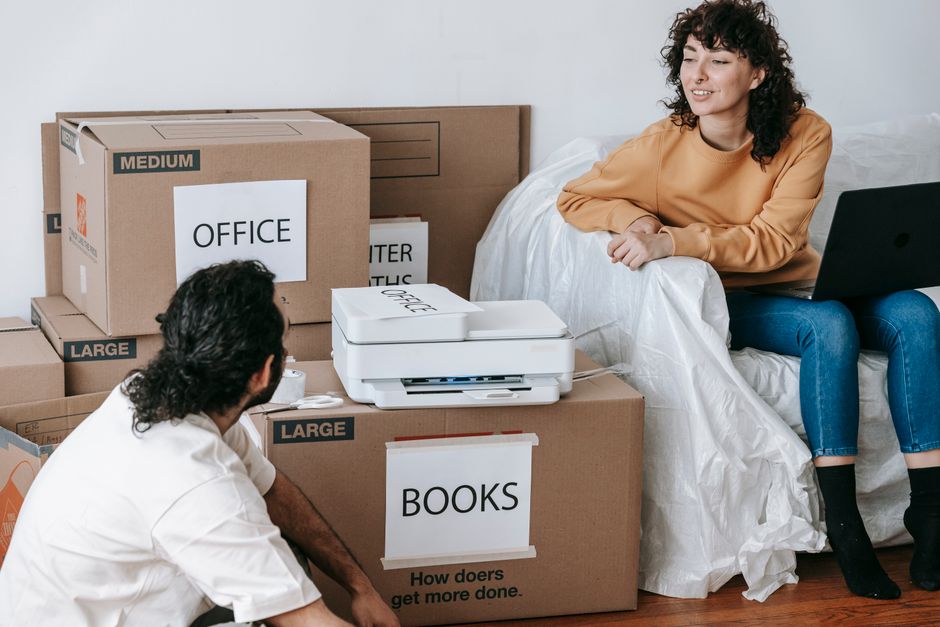
Remove ink or toner cartridges from printers before packing and seal them individually in zip-lock bags to prevent leaks. Tape down any movable parts, such as paper trays and scanner lids, with painter's tape (which will not leave residue). Pack the printer in its original box or a snug-fitting box with foam padding on all sides. Peripherals like keyboards, mice, and webcams can be grouped together in a medium box with packing paper between items to prevent scratching.
External hard drives deserve extra care. Wrap each drive individually in anti-static bubble wrap or an anti-static bag, then place it inside a small rigid box cushioned with foam. Do not pack hard drives loose in a bag or in a box where they can shift around. Consider transporting your most critical storage devices — external drives, USB sticks, SD cards containing irreplaceable data — in your personal carry bag rather than on the moving truck.
Office furniture presents the same logistical challenges as furniture in any other room, with a few additional considerations specific to the workspace environment.
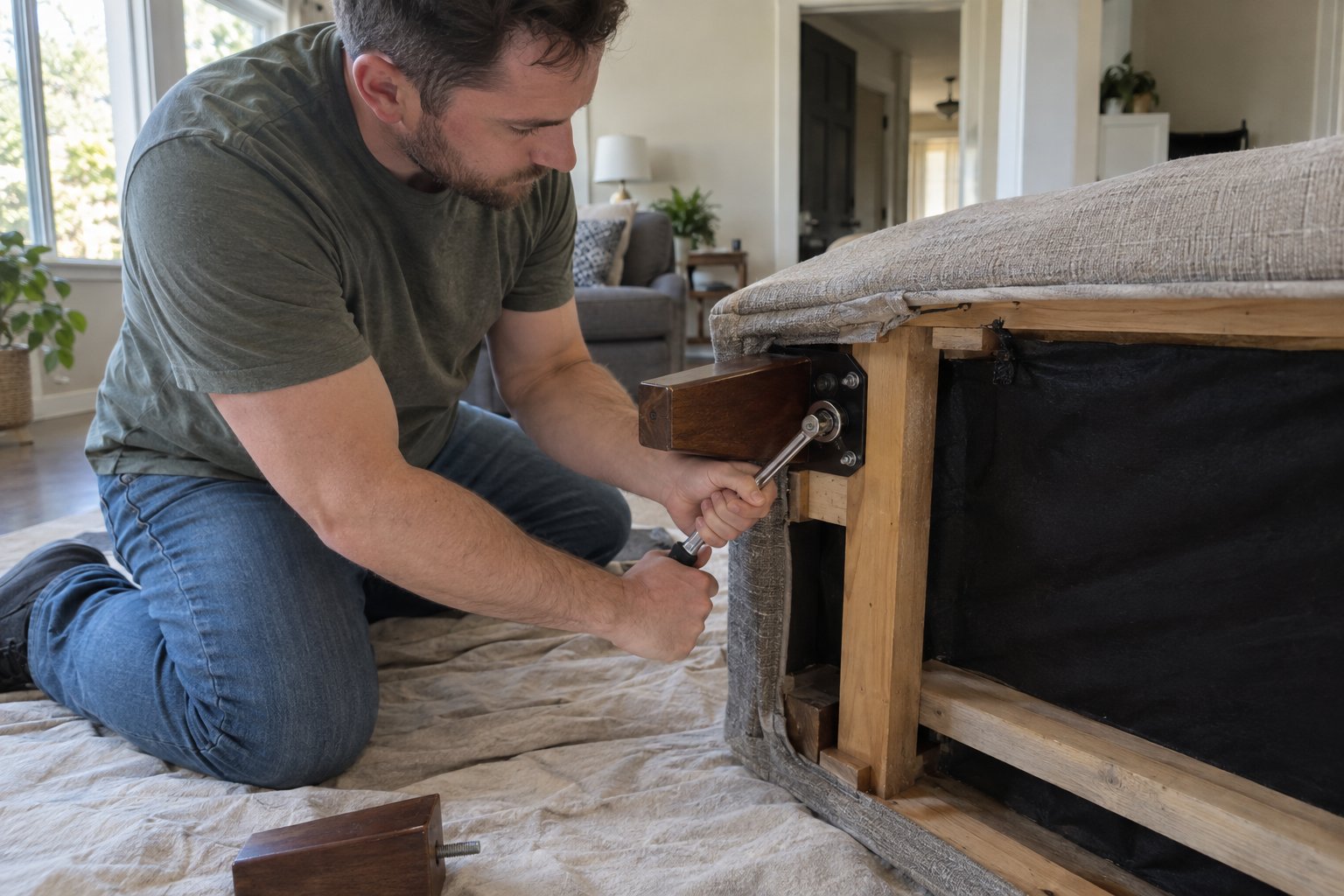
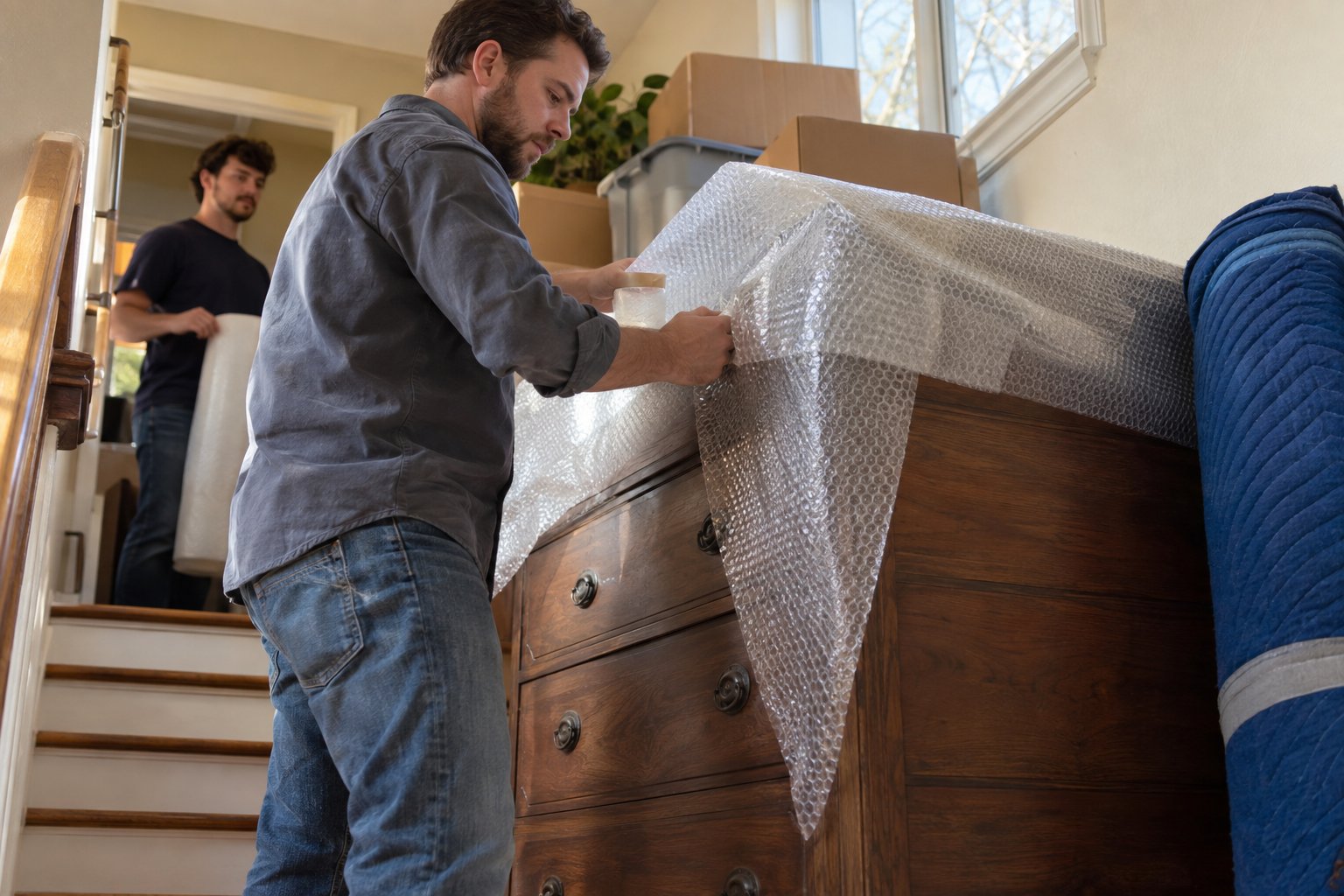
Most desks can be disassembled for transport, which reduces both the size and the risk of damage. Remove all drawers and pack their contents separately, labeling each drawer's box with its origin position (e.g., "Top left drawer — office desk"). Wrap the desktop surface in moving blankets or furniture pads to protect against scratches. Keep all hardware — screws, bolts, and cam locks — in a labeled zip-lock bag taped to the underside of the desktop or a drawer panel so nothing is lost during reassembly.
Ergonomic chairs are expensive and worth protecting. Remove the base and casters if possible and wrap the chair back and seat in stretch wrap or a moving blanket. For mesh chairs, be especially careful about the mesh panel — a snag or tear in transit can compromise the chair's comfort and resale value significantly.
Empty bookshelves before moving — never attempt to move them loaded, as the weight distribution makes them unstable and increases the risk of the shelf collapsing or injuring someone. File cabinets with lockable drawers can sometimes be moved with their contents intact if the drawers lock securely; otherwise, remove all files, pack them in labeled boxes by category, and transport the empty cabinet separately.
Documents deserve special attention in any home office move. Tax records, contracts, passports, insurance policies, and other critical papers should never travel loose in a general box or be packed in a manner that exposes them to moisture, pressure, or loss.
Use dedicated file boxes with lids — the kind designed specifically for hanging files — rather than standard cardboard boxes, which offer less structure for documents. Label each box clearly on multiple sides with its contents category. For truly irreplaceable documents, consider scanning and backing them up digitally before the move, and transport the originals in a fireproof document bag or portable file case that rides in your personal vehicle, not on the truck.
One of the most practical things you can do for a home office move is to designate a "first-night" or "first-day" box that contains everything you need to get back up and running quickly at your new address. Pack this box last and unload it first.
A solid first-night tech kit might include: your laptop and its charger, your most critical external drive (already backed up), your phone charger, your router and its power cable, one labeled bag of the most essential monitor cables, your mouse and keyboard, and any login credentials or authentication devices you need to access work accounts. With this kit accessible from the moment you arrive, you can maintain productivity even while the rest of the office is still in boxes.
A home office move involves a combination of precision, organization, and physical effort that can quickly become overwhelming — especially if you are trying to maintain work responsibilities right up until moving day. From careful electronics handling to furniture disassembly and reassembly, the team at Wise Guys Moving brings the experience and equipment to protect your workspace through every stage of the move.
We serve Auburn, Opelika, and the surrounding communities with residential and commercial moving services designed around your schedule and your specific needs. Get a free moving quote today and let us take the stress out of moving your home office from start to finish.
Aim to start packing your home office at least one week before moving day — two weeks if you work from home and need to stay functional right up until the final day. Begin with items you use least frequently, such as reference books, archived files, and spare peripherals, and work toward the essential equipment you use daily.
Yes, but you need to take extra precautions. Use a box that provides at least two inches of clearance on all sides, and fill that space with anti-static foam or foam peanuts — not crumpled newspaper. Keep the tower upright during transport and avoid stacking heavy items on or around it. The original box with its custom foam inserts is always the safest option, so save it if you still have it.
Absolutely — this is the single most important step in any home office move. Hard drives can be damaged by vibration, pressure, or physical shock during transport, even when packed carefully. Back up all critical files to an external drive and a cloud service before moving day. Consider transporting your most important storage devices in your personal vehicle rather than on the moving truck.
The most reliable method is the one-device approach: disconnect and label cables one device at a time, then pack all cables for a given device together in a labeled zip-lock bag. Before disconnecting anything, photograph the back of each device so you have a visual reference for reassembly. Coil cables loosely and secure them with velcro ties rather than tight zip ties to avoid damaging the wiring.
Yes. Wise Guys Moving offers furniture disassembly and reassembly as part of our moving services. Our team handles desks, shelving, and other office furniture carefully to prevent scratches and damage during transport. Call us at (334) 610-1593 or get a free quote online to discuss your specific home office moving needs.

Aim to start packing your home office at least one week before moving day — two weeks if you work from home and need to stay functional right up until the final day. Begin with items you use least frequently, such as reference books, archived files, and spare peripherals, and work toward the essential equipment you use daily.
Yes, but you need to take extra precautions. Use a box that provides at least two inches of clearance on all sides, and fill that space with anti-static foam or foam peanuts — not crumpled newspaper. Keep the tower upright during transport and avoid stacking heavy items on or around it. The original box with its custom foam inserts is always the safest option, so save it if you still have it.
Absolutely — this is the single most important step in any home office move. Hard drives can be damaged by vibration, pressure, or physical shock during transport, even when packed carefully. Back up all critical files to an external drive and a cloud service before moving day. Consider transporting your most important storage devices in your personal vehicle rather than on the moving truck.
The most reliable method is the one-device approach: disconnect and label cables one device at a time, then pack all cables for a given device together in a labeled zip-lock bag. Before disconnecting anything, photograph the back of each device so you have a visual reference for reassembly. Coil cables loosely and secure them with velcro ties rather than tight zip ties to avoid damaging the wiring.
Yes. Wise Guys Moving offers furniture disassembly and reassembly as part of our moving services. Our team handles desks, shelving, and other office furniture carefully to prevent scratches and damage during transport. Call us at (334) 610-1593 or get a free quote online to discuss your specific home office moving needs.