When homeowners work through their room-by-room moving plan, the home theater room almost always gets treated as an afterthought — but knowing how to pack and move a home theater room the right way can save you from cracked projector lenses, tangled speaker wire that will never sort itself out, a shattered projection screen, and thousands of dollars in AV equipment that arrives at the new house as an expensive pile of broken parts. A home theater room is one of the most technically demanding spaces in the home to relocate: it combines fragile electronics, custom-mounted hardware, precision-calibrated speaker placement, and thick furniture pieces engineered specifically for the room they currently occupy.
Whether you are relocating across Auburn or moving to an entirely new city, this guide walks you through every step of packing and moving your home theater room safely and efficiently. When you are ready to leave the hard work to the professionals, call Wise Guys Moving at (334) 610-1593 or get a free moving quote today.
The home theater room presents a category of moving challenges that are entirely different from any other space in the home. Unlike the living room — where the primary concern is heavy sofas and a flat-screen TV — or the home office — where electronics and paperwork dominate the risk profile — the home theater room combines high-value projection or display technology, precision audio equipment, complex wiring infrastructure, custom acoustic panels, and dedicated theater-style seating into one uniquely demanding environment.
Think about what a typical home theater room actually contains: a 4K projector or large-format display screen, an AV receiver, a Blu-ray or media player, a subwoofer, front and surround sound speakers, an amplifier rack, HDMI and speaker wire runs routed through the walls or ceiling, acoustic foam panels or sound-dampening wall treatments, blackout curtains, tiered platform risers, reclining theater seats or sectional sofas, a popcorn machine or mini-fridge, remote control systems, and smart-home integration hardware. Each of these categories carries its own risk. A projector transported without its original box and proper foam inserts can arrive with a cracked optical assembly. A heavy floor-standing speaker laid on its side in a moving truck can shift, tear its grille fabric, and damage its cabinet finish. Speaker wire run through walls cannot simply be pulled out — it requires planning, proper documentation, and often professional reinstallation.
A rushed home theater pack almost always produces the same bad outcomes: damaged projector bulbs that cost hundreds of dollars to replace, AV receivers that lose internal components when improperly padded, screens that crack along their fixed-frame edges, and furniture risers that arrive as a pile of loose lumber because no one photographed the assembly before dismantling it. Plan to begin working on your home theater room at least three to four days before moving day — it requires far more planning and technical preparation than most homeowners anticipate.
Before you disconnect a single HDMI cable or unmount the first speaker, the single most valuable thing you can do is create a thorough inventory of everything in your home theater room and make honest decisions about what is genuinely worth the cost and effort of relocating.
Walk through the room with your phone and take photographs of every cable connection at the back of the receiver, every speaker placement from multiple angles, every wall-mounted component bracket, every cable management channel, and every rack configuration. These photos will be indispensable when you reassemble the system at the new home. A home theater that took months to calibrate and configure cannot be reconstructed from memory alone. Label every cable with a small piece of masking tape and a marker before you unplug anything. Consistent labeling now will save hours of frustration later.
Identify your high-value components — typically the projector, the AV receiver, quality loudspeakers, and the display screen — and confirm that your moving insurance or homeowner's insurance covers them in transit. For older or lower-cost equipment, honestly assess whether replacement at the new home makes more financial sense than the effort of careful packing. Inexpensive HDMI switches, aging cable boxes, and worn remote controls may not be worth the box space. Concentrate your energy and protective materials on the irreplaceable and high-value items.
With your inventory complete, your cables labeled, and your photos taken, you are ready to begin the physical work of packing your home theater room. Work systematically — from the most delicate components first to the largest furniture pieces last.
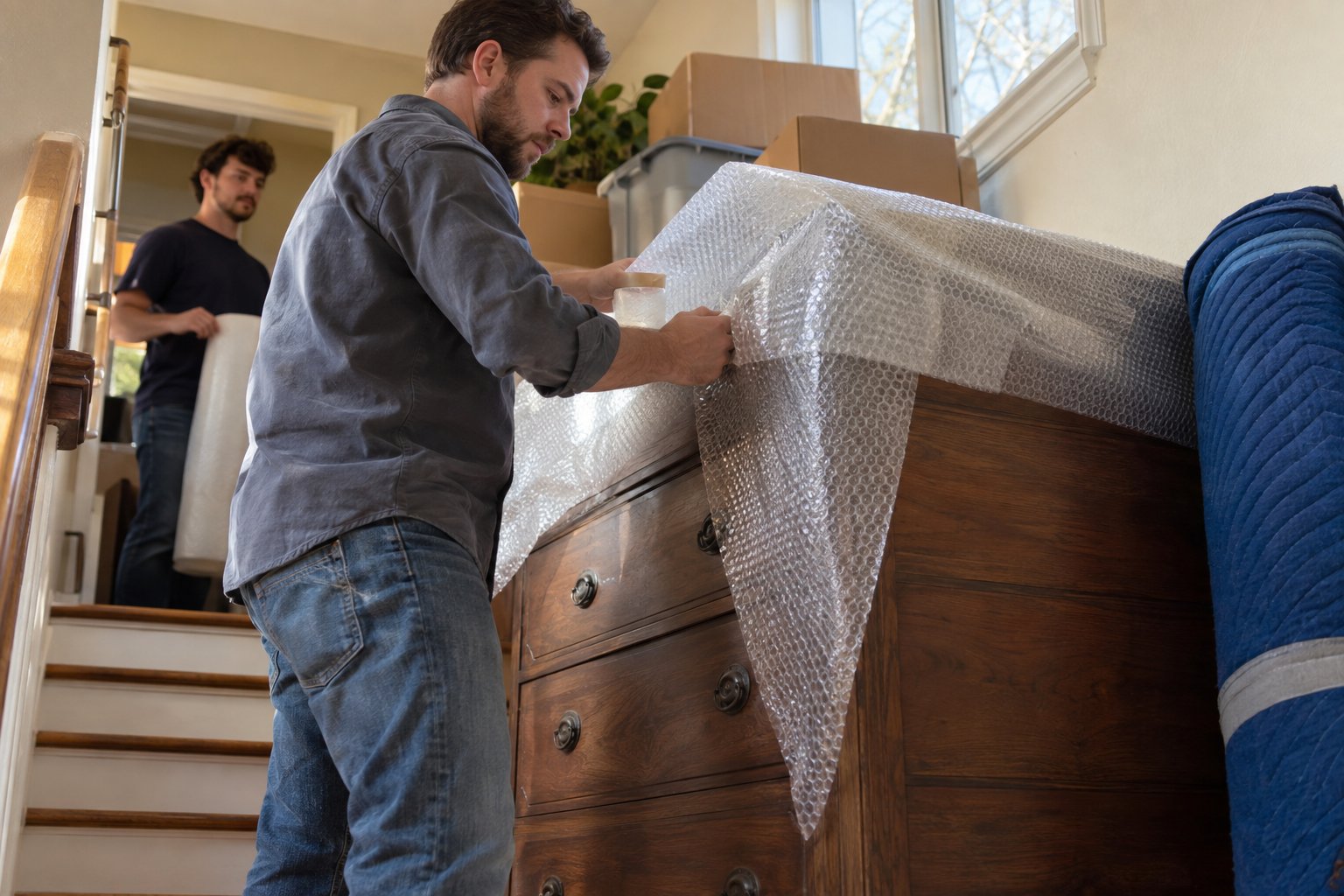
A projector is the single most fragile and expensive item in most home theater rooms. If you have kept the original manufacturer's packaging, use it — those custom-molded foam inserts exist specifically to protect the lens and internal optics during transport. If the original box is gone, wrap the projector body in at least two layers of bubble wrap, pay special attention to the lens (use a lens cap or fashion a padded cap from foam), and place it in a snug-fitting box with additional foam or packing peanuts on all sides. Never lay a projector on its lens, and never let it shift inside its box.
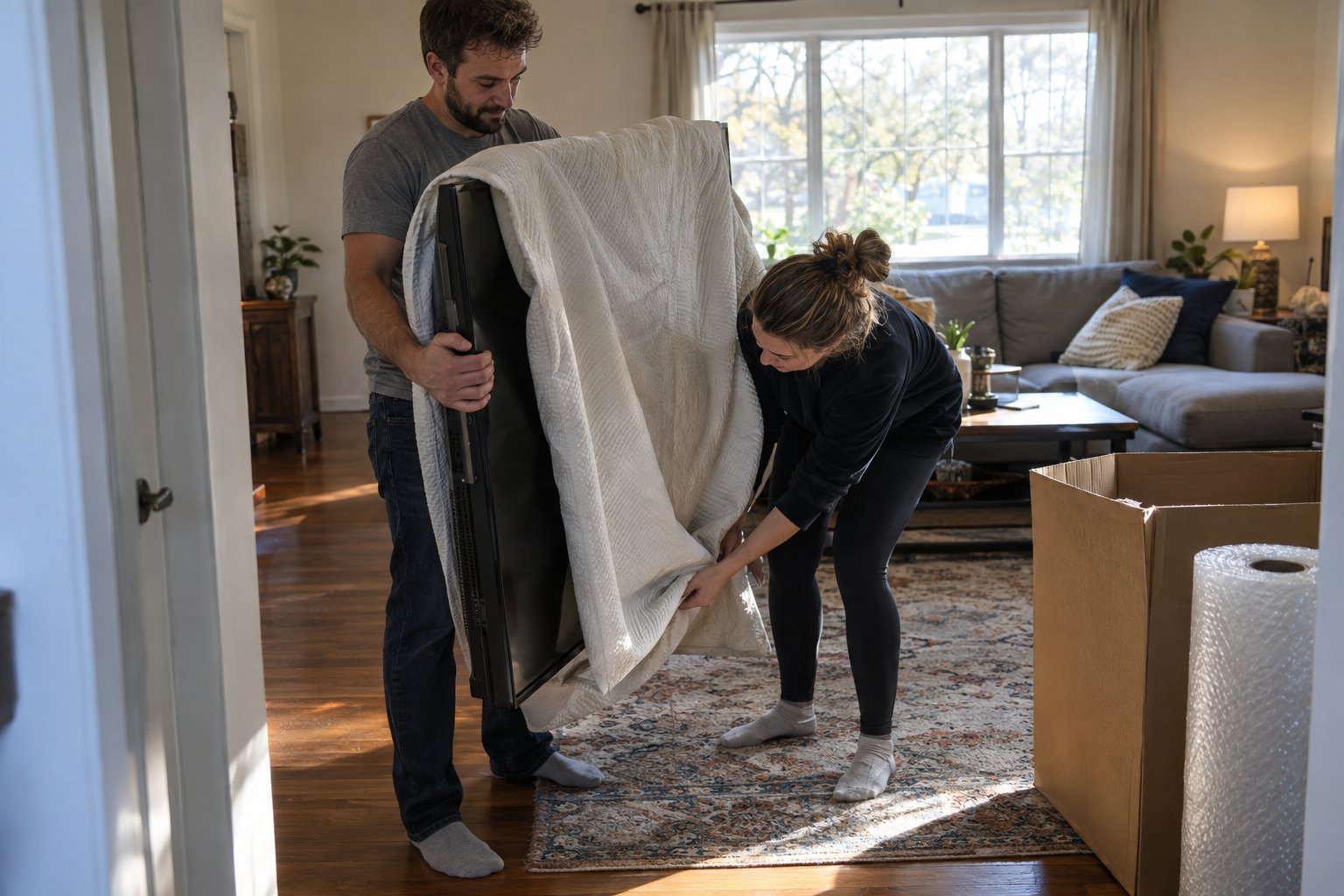
For projection screens — especially fixed-frame screens — measure the screen before you take it down and note the frame assembly. Fixed-frame screens do not roll or fold; they must be transported flat or in their original shipping crate if available. If neither is possible, two sheets of rigid cardboard sandwiching the screen face-to-face, taped securely and clearly marked FRAGILE / DO NOT BEND, is the safest alternative. Large-format flat-panel displays should also be transported vertically, never flat, in well-padded boxes with foam corner guards.
AV receivers and amplifiers are heavy for their size and contain circuit boards that do not tolerate vibration well when unprotected. Original boxes are strongly preferred. Without original packaging, wrap each component in anti-static bubble wrap, place it in a box sized to leave no more than two inches of gap on any side, and fill all gaps with crumpled packing paper or foam. Never stack a heavy component directly on top of a receiver without a rigid separator between them. Keep all remote controls, power cables, and manuals together in a clearly labeled bag taped to the outside of the component's box.
Speakers range from small bookshelf models that pack easily to large floor-standing towers that require custom crating or blanket-wrapping. For bookshelf and surround speakers, remove any removable grilles and wrap them separately in packing paper. Wrap the speaker body in bubble wrap with extra padding at the corners, where cabinet damage most often occurs. Place them upright in boxes — speakers should travel in their normal orientation whenever possible. Floor-standing tower speakers are best wrapped in furniture moving blankets, secured with moving straps, and transported vertically in the truck. Subwoofers are heavy and should be double-boxed when possible; the driver cone is vulnerable to puncture and should face upward during transport.
In-wall or in-ceiling speaker wire cannot typically be removed without cutting or significant wall repair. Before moving day, confirm with your new home's layout whether you will need professional installation of new wire runs. For exposed speaker wire and HDMI cables, coil each cable in a loose loop (never a tight kink), secure each coil with a velcro cable tie rather than a rubber band, and store all cables together in a clearly labeled bag or bin by room or component. Color-coded cable ties or colored electrical tape around each cable end — matched to a legend you photograph — will make reinstallation dramatically faster.
Acoustic foam panels, fabric-wrapped absorption panels, and bass traps are lightweight but fragile — their foam cores compress and tear easily under direct pressure. Remove wall-mounted panels carefully, taking note of their exact placement with photographs and measurements. Stack panels flat with a sheet of packing paper between each one, and transport them in flat boxes or wrapped in moving blankets. Acoustic panels that have been custom-cut or custom-colored for a specific room may not be easily replaced, so handle them with care. Blackout curtains should be removed from their rods, folded loosely, and transported in wardrobe boxes or large flat boxes rather than compressed into regular boxes where creasing can damage their light-blocking coating.
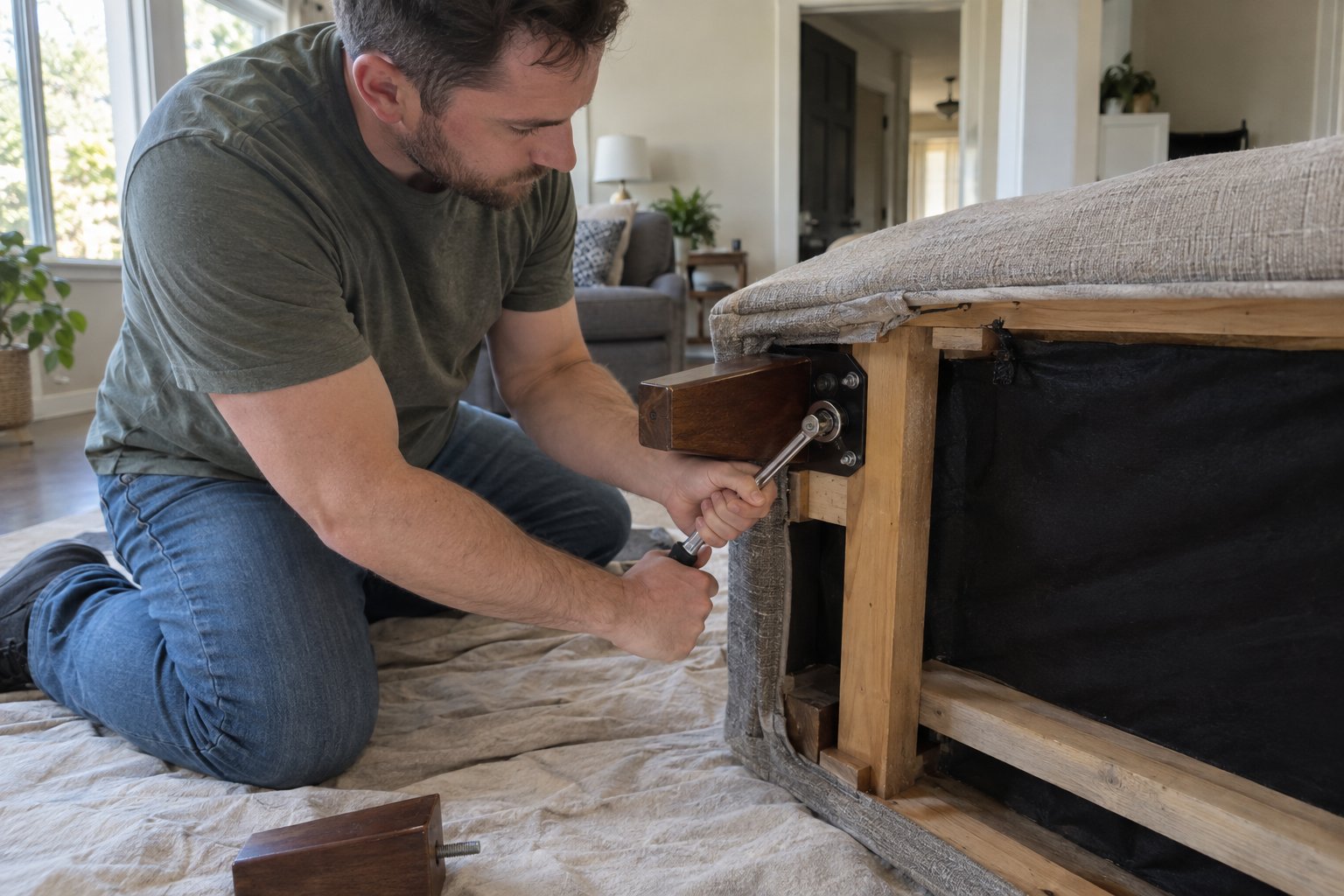
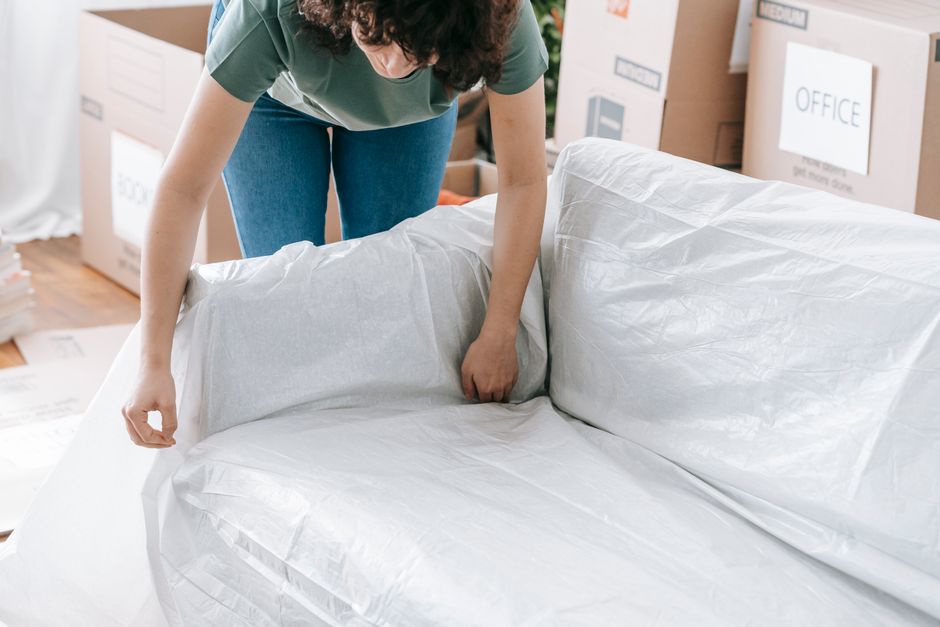
Theater-style recliners — particularly large sectional power-reclining units — are among the most challenging furniture pieces to move. Confirm whether each seat detaches from the row unit, and if so, separate them before moving to reduce individual weight and awkward dimensions. Wrap each seat section in furniture moving blankets secured with moving straps. Power-reclining mechanisms should be in the closed (upright) position during transport to prevent hydraulic stress. For platform risers built from lumber and carpet, disassemble each riser tier, photograph the assembly sequence, label each component with tape and marker, and bundle hardware in labeled zip-lock bags taped securely to the largest piece.
Electronics should be the last items loaded onto the moving truck and the first items unloaded — they should never spend time buried under furniture, exposed to temperature extremes, or placed near the truck's loading ramp where vibration and shifting risk are highest. Keep projectors, receivers, and speakers in the passenger cab if possible during short-distance moves, or in a climate-controlled vehicle for longer hauls.
Temperature and humidity are genuine risks for sensitive electronics. AV equipment that goes from a cold moving truck into a warm home can develop internal condensation. Allow electronics to acclimate at room temperature for at least two to four hours before powering them on after the move. This single precaution prevents a significant number of post-move equipment failures.
When loading the truck, place flat-panel displays and projection screens vertically against a padded wall — never flat on the truck floor where other items can be stacked on top of them. Use furniture moving blankets between all electronics and any surrounding items. Secure speaker towers with ratchet straps against the truck wall to prevent tipping.
A home theater room is not a space most homeowners should attempt to move entirely on their own. The combination of high-value fragile electronics, wall-mounted hardware requiring careful removal, and heavy specialty furniture makes professional help a genuinely cost-effective choice. A single damaged projector or cracked projection screen can cost more to repair or replace than the entire moving service would have cost in the first place.
At Wise Guys Moving, our team has experience handling sensitive electronics, specialty furniture, and the logistical complexity of home theater relocations across Auburn and beyond. We use industry-standard protective materials, properly sized moving trucks, and the kind of careful handling that expensive AV equipment deserves. Request your free moving quote today and let us take the stress out of your home theater move.
You can, but only if the projector is very carefully protected. Use the original manufacturer's box and foam inserts whenever possible — they are specifically engineered for the projector's shape and weight distribution. If the original packaging is not available, wrap the projector in multiple layers of bubble wrap with extra padding around the lens, place it in a snug-fitting sturdy box, and fill every gap with foam or packing peanuts so it cannot shift at all during transport. Never lay the projector on its lens side.
In most cases, in-wall speaker wire is best left behind. Removing it typically requires cutting the wire or making wall repairs, and the cost of new wire and professional installation at the new home is often less than the damage caused by removal. Before your move, photograph all visible wire entry points and note speaker wire gauge and length so your installer at the new home can match the setup. Bring all labeled exposed cables and connectors with you for the new system.
Fixed-frame projection screens cannot be rolled or folded without permanent damage. If you kept the original shipping crate, use it. Otherwise, disassemble the frame according to the manufacturer's instructions, wrap the screen material face-to-face between two rigid pieces of foam board or cardboard, and transport it flat and fully supported. Mark the package clearly as FRAGILE and DO NOT BEND. Avoid leaning it against truck walls without full support along the entire length.
Allow your AV electronics — projector, receiver, amplifier, and similar components — to sit at room temperature in your new home for at least two to four hours before powering them on. This acclimation period lets any condensation that formed during transport (from temperature or humidity changes in the moving truck) evaporate before electricity flows through the circuits. Powering on cold or condensation-affected electronics is one of the most common causes of post-move equipment failure.
For most homeowners, yes — the cost of professional movers is almost always less than the cost of replacing a damaged projector, cracked flat-panel display, or broken AV receiver. Professional movers bring the right equipment, protective materials, and experience to handle fragile electronics and heavy theater seating safely. At Wise Guys Moving, we handle home theater relocations throughout Auburn and the surrounding area with the care that high-value equipment demands. Call us at (334) 610-1593 or request a free quote online to get started.

You can, but only if the projector is very carefully protected. Use the original manufacturer's box and foam inserts whenever possible — they are specifically engineered for the projector's shape and weight distribution. If the original packaging is not available, wrap the projector in multiple layers of bubble wrap with extra padding around the lens, place it in a snug-fitting sturdy box, and fill every gap with foam or packing peanuts so it cannot shift at all during transport. Never lay the projector on its lens side.
In most cases, in-wall speaker wire is best left behind. Removing it typically requires cutting the wire or making wall repairs, and the cost of new wire and professional installation at the new home is often less than the damage caused by removal. Before your move, photograph all visible wire entry points and note speaker wire gauge and length so your installer at the new home can match the setup. Bring all labeled exposed cables and connectors with you for the new system.
Fixed-frame projection screens cannot be rolled or folded without permanent damage. If you kept the original shipping crate, use it. Otherwise, disassemble the frame according to the manufacturer's instructions, wrap the screen material face-to-face between two rigid pieces of foam board or cardboard, and transport it flat and fully supported. Mark the package clearly as FRAGILE and DO NOT BEND. Avoid leaning it against truck walls without full support along the entire length.
Allow your AV electronics — projector, receiver, amplifier, and similar components — to sit at room temperature in your new home for at least two to four hours before powering them on. This acclimation period lets any condensation that formed during transport (from temperature or humidity changes in the moving truck) evaporate before electricity flows through the circuits. Powering on cold or condensation-affected electronics is one of the most common causes of post-move equipment failure.
For most homeowners, yes — the cost of professional movers is almost always less than the cost of replacing a damaged projector, cracked flat-panel display, or broken AV receiver. Professional movers bring the right equipment, protective materials, and experience to handle fragile electronics and heavy theater seating safely. At Wise Guys Moving, we handle home theater relocations throughout Auburn and the surrounding area with the care that high-value equipment demands. Call us at (334) 610-1593 or request a free quote online to get started.