How to pack a TV for moving comes down to three things: keep the screen from flexing, keep the panel from resting flat against a hard surface, and keep the whole unit upright during transport. Modern flat screens look sturdy but the LCD or OLED panel behind the glass is thin and can crack from pressure that would not bother an old CRT set. Get the padding and positioning right and a TV survives a move just fine without a specialist crate.
This guide covers packing the television itself, not the electronics and cables that go with a home entertainment setup. If you are also boxing up a receiver, game consoles, or a tangle of cords, that is a separate packing job with its own rules.
No, but it is the best option if you still have it. The original box and foam inserts are shaped to the exact dimensions of your TV and hold the panel away from the cardboard on every side, which is exactly what you want during a move.
If the box is long gone, the next best option is a TV moving box, sold in adjustable telescoping sizes at most moving supply retailers. These use thick corrugated cardboard and foam corner protectors that adapt to different screen sizes. Between the original box and a purpose-built TV box, either one is a safe bet. Everything past this point in the guide is for people working without one.
You can pack a TV without a box by wrapping the screen in a soft layer, adding rigid corner and edge protection, and sandwiching the whole thing between moving blankets. The goal is to recreate what a proper box does: no direct contact between the screen and anything hard.
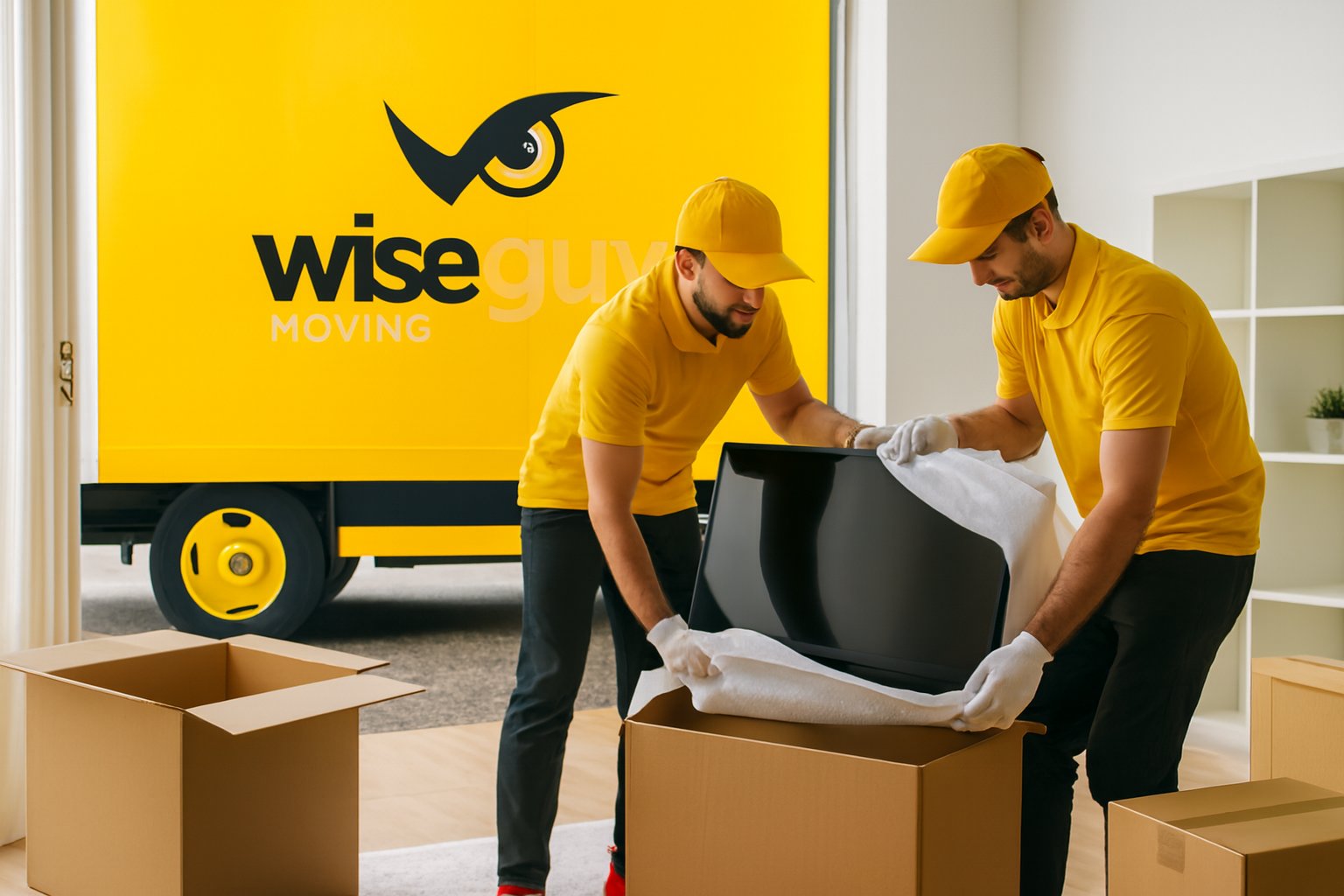
Start with a layer directly against the screen. A flat bedsheet, a large piece of stretch wrap, or bubble wrap with the bubbles facing outward all work. Avoid letting tape touch the screen itself, since pulling it off later can leave residue or lift the anti-glare coating.
Once the screen is covered, add protection at the four corners and along the top and bottom edges, since these are the points most likely to take an impact. Foam pipe insulation cut to length works well along the edges, and thick folded cardboard or foam corner blocks protect the corners. Secure this layer with stretch wrap rather than tape directly on the TV's housing.
Wrap the padded TV in at least one, ideally two, moving blankets and secure them with stretch wrap or rope, never tape on the blanket fibers where it can snag. The blanket layer absorbs shock during loading and prevents scuffs from other items shifting against it in transit.
A TV should always travel upright, the same orientation it stands in at home, and never flat or leaning at an angle. Laying a flat screen down puts the full weight of the panel against its own frame, and pressure points that build up over a long drive can crack the display even without a visible impact.
Stand the TV on its edge, ideally in a spot where it will not shift, such as wedged between a mattress and a wall of the truck with furniture blankets padding the gap. Never stack anything on top of it or lean other items against the screen. If you are moving more than one TV, keep them separated with padding between them rather than stacked face to face.
Yes. Before any wrapping starts, unplug the TV, remove the wall mount bracket if applicable, and take a photo of the cable setup on the back so reconnecting is simple later. If the TV has a swiveling stand, check whether it detaches for a lower profile during transport.
Bag and label any screws or mounting hardware and tape the bag to the back of the TV where it will not fall off, or pack it in a separate small box with your other moving hardware. Losing a single wall-mount bolt can turn reassembly into an unplanned hardware store run.
Extreme heat and cold both pose a real risk to a TV's internal components, more so than most people expect. Leaving a TV in a hot truck or an unheated storage unit for an extended period can affect the display and internal circuitry, particularly on older models.
Once the TV arrives at the new home, let it sit at room temperature for a few hours before plugging it in, especially if it traveled in cold weather. Condensation can form inside the casing after a rapid temperature change, and powering the unit on too soon risks damage.
It is worth handing the TV off to professional movers when you have a large screen, a wall-mounted setup that needs proper dismounting, or simply do not want the liability of a cracked panel resting on your own packing job. Movers who regularly handle electronics carry TV-specific boxes and padding on the truck and know how to secure a screen so it will not shift during loading.
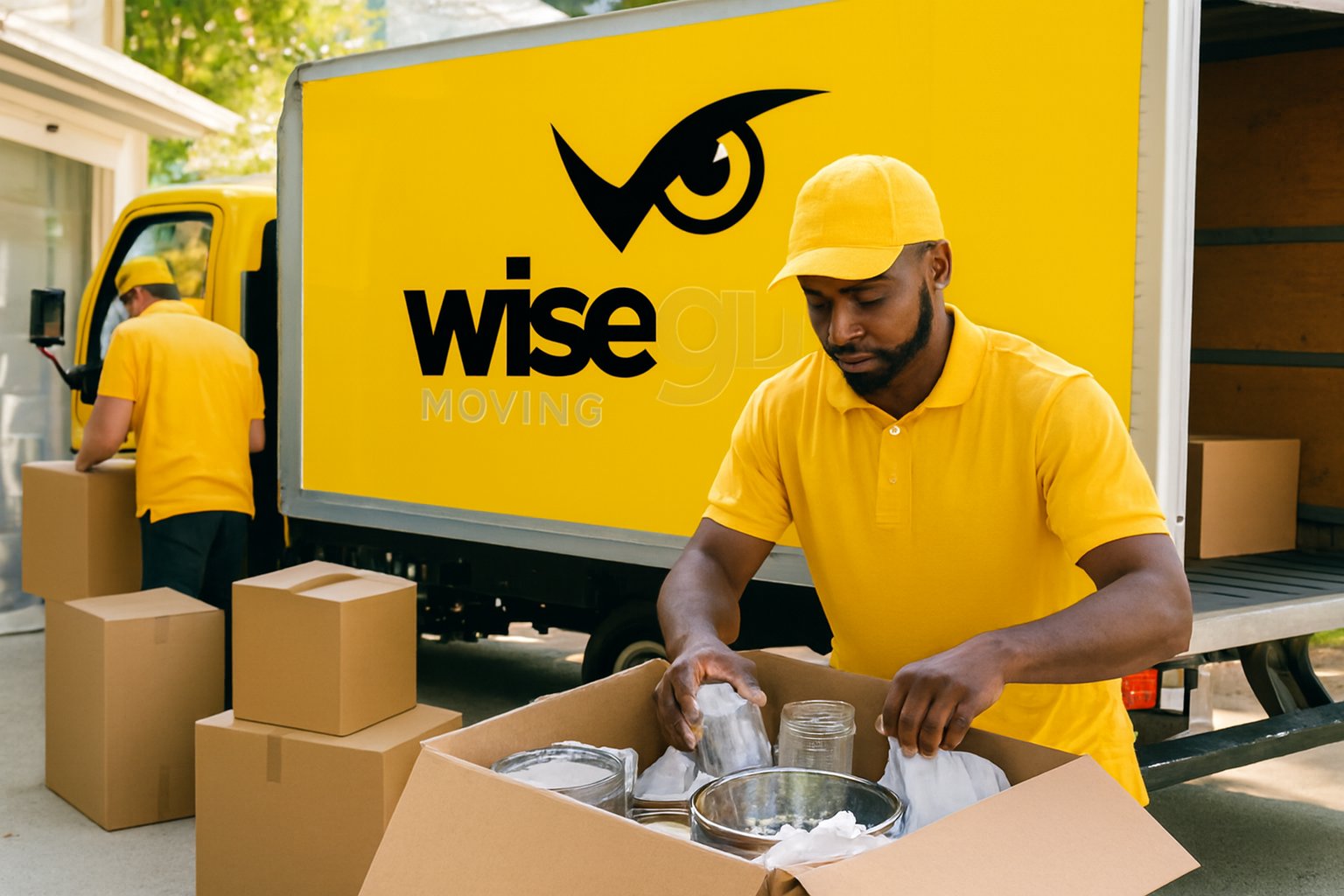
Wise Guys Moving's professional packing services include this kind of electronics handling as part of a full pack, so the TV gets the same padded, upright treatment described above without you sourcing the materials yourself. If your move covers more than one room of electronics and fragile items, it is often more efficient to fold the TV into that broader safe moving service rather than packing it in isolation. And if the TV is one part of a larger move happening around Auburn, AL, our local crews can build it into the same load as the rest of your household goods.
Whichever route you take, ready to lock in a plan? Get a free moving quote and we'll tell you exactly what your TV and the rest of the move will need.
It is better to keep the TV upright even in a car. If space truly requires laying it down, use thick padding underneath and avoid placing any weight on top, and keep the drive as short and smooth as possible.
Recreate the support with foam pipe insulation on the edges and thick cardboard or foam blocks at the corners, then wrap the whole unit in moving blankets. This mimics what the original foam inserts did without needing the exact pieces.
Yes, as long as the bubbles face outward and away from the screen surface, or you place a soft cloth or sheet between the screen and the bubble wrap first. Never use tape directly on the screen.
Curved and OLED screens are more flexible and more prone to pressure damage than standard LED panels, so extra rigidity around the edges matters even more. A telescoping TV box or the original packaging is the safest choice for these models.
Give it at least two to three hours at room temperature, longer if it traveled through cold weather or sat in an unheated truck, to let any internal condensation clear before powering it on.

It is better to keep the TV upright even in a car. If space truly requires laying it down, use thick padding underneath and avoid placing any weight on top, and keep the drive as short and smooth as possible.
Recreate the support with foam pipe insulation on the edges and thick cardboard or foam blocks at the corners, then wrap the whole unit in moving blankets. This mimics what the original foam inserts did without needing the exact pieces.
Yes, as long as the bubbles face outward and away from the screen surface, or you place a soft cloth or sheet between the screen and the bubble wrap first. Never use tape directly on the screen.
Curved and OLED screens are more flexible and more prone to pressure damage than standard LED panels, so extra rigidity around the edges matters even more. A telescoping TV box or the original packaging is the safest choice for these models.
Give it at least two to three hours at room temperature, longer if it traveled through cold weather or sat in an unheated truck, to let any internal condensation clear before powering it on.